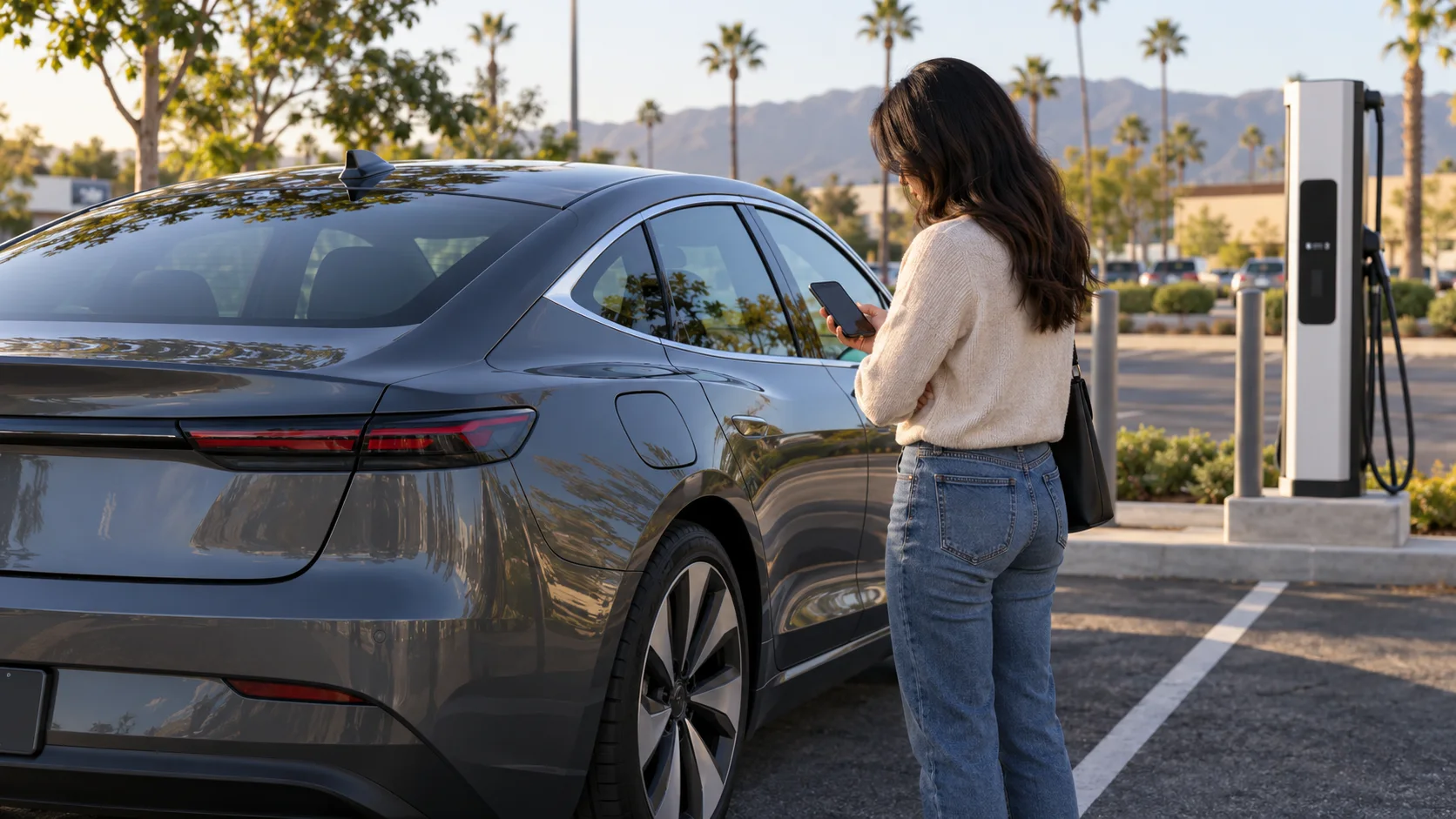
If a Tesla charge port door will not open, keep the car unlocked and authenticated, wake it, then try a normal opening method supported by the manual. Do not pry or force the door. If the touchscreen, app, locks, and charge door are all unresponsive, missing low-voltage power is possible, but one symptom alone does not prove it.
First confirm which problem you have
A closed charge-port door is not the same as a connector stuck in the inlet. This page covers the first state: the door is closed and no cable is connected.
If a connector or adapter is already latched in the car, stop here. Use the vehicle’s connector-release instructions. Manual release hardware and safety steps solve a different problem. Our general stuck charge-cable guide explains that decision boundary.
Also look for visible impact damage, distortion, smoke, unusual heat, or exposed wiring near the port. If any is present, do not press, pry, heat, or connect the area. Move away and use emergency or qualified towing help as the condition requires.
Normal opening paths on current Model 3 and Model Y
Tesla’s current Model 3 charging instructions and Model Y charging instructions list several normal ways to open the door. Depending on the vehicle and available equipment, those include:
- Selecting the charge-port control on the touchscreen.
- Pressing the button on a Tesla charging cable near the port.
- Pressing the lower part of the door while the vehicle is unlocked and an authenticated phone is nearby.
- Using supported Tesla app, key-fob, or voice controls.
Try one method at a time. Keep the car unlocked. If pressing the door does nothing, Tesla suggests waking the vehicle, including by pulling a door handle, then trying again.
Older Tesla charging equipment may not open the Model Y door from the cable button. A failed cable-button attempt therefore does not establish a broken door. Try the touchscreen or another supported method before escalating.
The available app, key, and voice paths vary with model, equipment, setup, and software. Use the live manual for your exact Tesla rather than assuming every control exists.
Never force the charge-port door
Tesla’s manuals explicitly warn against forcing the door open. That rules out screwdrivers, trim tools, wedges, hard pulling, and improvised prying. The painted flap, hinge, latch, and inlet sit together. A forced opening can turn a control problem into physical damage beside charging hardware.
Repeated tapping is not a repair either. If the supported methods fail after the vehicle is awake and authenticated, stop. Check the screen for alerts and use Tesla service guidance for the model.
This is also why a manual connector-release cable is not the answer. Release cables are designed to unlatch a connected plug on specified models. They are not a universal way to open an empty exterior door.
Check for a broader low-voltage symptom pattern
The charge-port latch depends on vehicle power. If only the charge door is unresponsive while the touchscreen, app, locks, lights, and other controls work, treat it as a localized charge-door issue until the car says otherwise.
If the screen is black, the app cannot reach the car, the locks do not respond, and the charge door is also dead, a low-voltage-power problem becomes more plausible. It still is not a complete diagnosis. A connection problem, sleep state, key authentication issue, or another fault can overlap.
Check the last range reading and any warning you saw before shutdown. An empty high-voltage pack and a discharged low-voltage system need different roadside help. Tesla dead pack or 12V explains what those symptom groups can and cannot tell you.
If a model-specific low-voltage procedure is required, follow Tesla’s current owner manual. Do not use a generic jump point diagram. The under-hood locations and access sequence vary by model and build.
Cold or ice requires model-qualified guidance
Tesla documents cold-weather latch help, but not as one universal instruction for every vehicle.
Current Model Y information says ice can affect the latch. It describes supported preconditioning and notes that some equipped vehicles associate inlet heating with rear defrost. Model S documentation gives its own app-preconditioning instruction. Cybertruck has model-specific heater controls.
That variation matters. Do not assume your Tesla has a Charge Port Heater menu or the same heating behavior as another model. Open the manual for the exact model, choose the charging section, and use only the cold-weather method listed there. Never apply an open flame, boiling water, a heat gun, or an improvised electrical heater to the port.
Inland Empire drivers may encounter this issue after a mountain stop near Wrightwood, Lake Arrowhead, or Big Bear even when valley conditions were mild. The model-specific rule remains the same once the car returns to Ontario, Fontana, or Riverside.
When roadside help fits
If the car otherwise operates and has enough range, Tesla service may be the cleanest next step for a door that will not respond to normal controls. Driving to another charger will not help if the physical door stays closed.
Roadside help becomes relevant when the vehicle is also immobilized. A confirmed low-voltage wake-up problem may fit a model-qualified jump. A depleted traction pack with a closed, unusable port may require a tow because a mobile charging connector cannot be attached. Visible damage, smoke, heat, or exposed conductors are immediate stop conditions, not mobile-charging scenarios.
Charge Pro IE is a referral service. It does not open the charge door, repair the inlet, jump the car, or own a service vehicle. It can match a driver with a licensed independent operator when a roadside task is appropriate. The operator confirms scope, provides a quote, and bills the driver directly.
Read Tesla roadside rescue in the Inland Empire for the referral scope. If the door opens but the vehicle still will not accept power, use the separate public charger not working checklist.
A short decision sequence
- Confirm no connector is already inserted.
- Check for damage, heat, smoke, or exposed wiring. Stop if present.
- Unlock and wake the Tesla with an authenticated key or phone.
- Try the touchscreen, supported cable button, app, key, voice, or physical-press method listed for the model.
- Never force the door.
- If the whole car is unresponsive, switch to the exact model’s low-voltage guidance.
- If the car works but the door does not, use Tesla service guidance.
That sequence preserves the key boundary: normal controls first, no force, low-voltage checks only when the wider symptom pattern supports them.
Frequently asked questions
Can I pry open a Tesla charge port door?
No. Tesla warns not to force the door. Prying can damage the flap, latch, hinge, or surrounding charging hardware.
Why does the Tesla cable button not open the door?
The car may be locked, asleep, or not authenticated. Tesla also notes that some older charging equipment may not open a Model Y door from the cable button. Try another normal method listed in the exact model’s manual.
Does a closed charge door mean the 12V battery is dead?
Not by itself. A black screen, dead locks, unreachable app, and other unresponsive controls make a low-voltage problem more plausible. Use the model-specific manual rather than diagnosing from the door alone.