The Tesla low voltage warning is a 12V accessory-battery alert, not a range warning. It often appears after the car sat unplugged in Inland Empire heat. Then you start the drive home and the amber note is waiting. The traction pack can still show plenty of miles. The small 12V battery runs the screens, locks, and contactors. That’s the battery that’s fading, not your range.
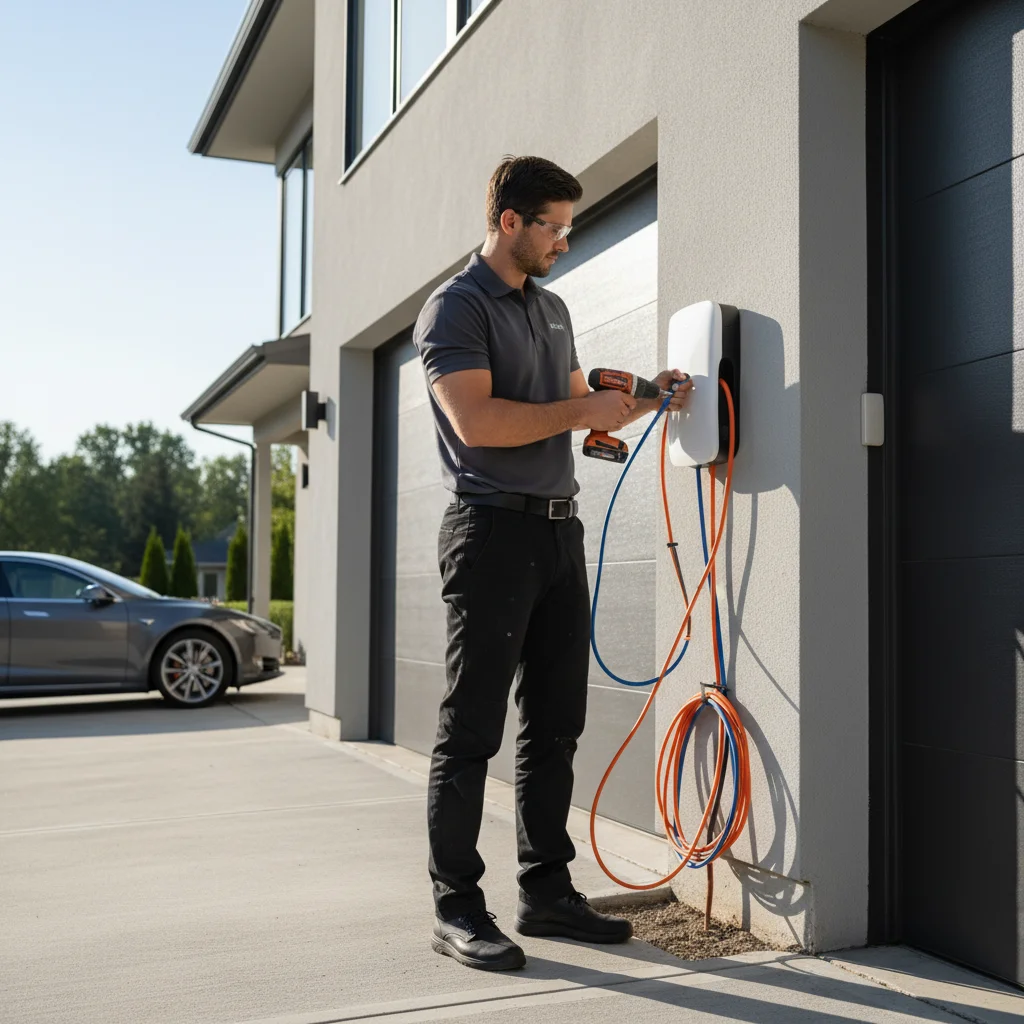
It’s the accessory battery, not the miles on the screen
A Tesla uses two electrical systems. The high-voltage pack turns the wheels. A separate 12V battery powers the computers, latches, windows, and climate controls. It also powers the contactors that connect the big pack. Tesla describes that split in its owner support pages. You can read it at tesla.com/support. The low voltage warning is aimed at the 12V side.
Software wording changes by version. You might get a service note about a low 12V battery. You might get an accessory-battery alert that the car may not restart. Some versions bury it in the notification tray. None of those strings mean the traction pack is empty.
That mix-up happens on local roads. You glance at range on I-10 through Colton and keep rolling. You do the same on SR-60 in Jurupa Valley. I-215 through Moreno Valley is the same trap. A comfortable remaining-miles number isn’t a 12V health reading. A car can show long range and still be close to a 12V shutdown. If the dash looks confusing, start with this pack-versus-12V check.
The 12V doesn’t charge from a wall outlet on its own. It charges off the traction pack through a DC-DC converter. That happens while the car is awake or plugged in. Park unplugged, and that converter stays idle. A weak 12V then sags until the warning appears.
Heat plus an unplugged sit is the local pattern
Inland Empire heat plus hours without a plug sets this up. The car is fine on the morning commute. It sits in a sun-loaded lot. You walk back at shift change and the 12V has sagged. That isn’t a Supercharger problem. It’s an accessory-battery problem that started while you were inside.
Warehouse rows in Fontana and Ontario airport lots are one local version of this. Airport and warehouse EV rescue is the local note for those rows. High Desert driveways in Victorville, Hesperia, Adelanto, and Apple Valley bake longer. Mountain towns around Crestline, Lake Arrowhead, and Running Springs run cooler. A Tesla that sat for days can still wake with a low 12V.
A verified public count of home chargers by neighborhood couldn’t be confirmed. ACS 2019-2023 puts pre-1980 housing at 60.9% in San Bernardino. The City of Riverside is 56.4%. Montclair is 68.5%, and Bloomington is 62.5%. Eastvale is 2.2%. Temecula is 6.5%. Older stock is where panel upgrades come up first. That’s when someone wants Level 2 at home. Until that circuit exists, a Tesla that sits unplugged still loses 12V support overnight. The traction pack’s heat load is a separate subject. It’s covered in EV battery care in Inland Empire heat. The 12V sits through the same parked-in-the-sun day.
Which utility serves the house doesn’t change the warning. Southern California Edison covers most of the valley. Riverside Public Utilities serves the City of Riverside. Colton Electric Utility owns the system inside Colton. The City of Banning Electric Utility serves Banning. Bear Valley Electric Service covers Big Bear Lake and Big Bear City. Rancho Cucamonga and Moreno Valley each split municipal power with SCE. Plugging in still helps the 12V the same way. It wakes the DC-DC converter. It doesn’t rebuild a failed 12V.
Lead-acid and lithium 12V packs fail on different clocks
Depending on model and build, your 12V is one of two types. It’s either a conventional lead-acid unit or a lithium iron phosphate pack. Tesla fitted the lithium version on later Model 3 and Model Y cars. Tesla’s owner support pages are the place to confirm which one you have.
Older lead-acid 12V hardware
Lead-acid 12V packs are common on older Model 3 and Model Y cars. They’re also common on Model S and Model X. Once they start to fail, voltage can fall off quickly. Treat a low voltage warning on that hardware as time-sensitive. Don’t plan the rest of a Cajon climb on hope. Don’t stretch it across the Ortega near Wildomar either.
Later lithium 12V hardware
Lithium 12V packs hold a flatter curve. They often give a longer heads-up before they drop out. They still fail. A warning on a later Model 3 or Y isn’t a reason to ignore it. If that lithium 12V is already dead, don’t guess. Use these lithium 12V steps for Model 3 and Y. Tesla doesn’t publish a remaining-minute figure after the alert. Anyone quoting one is guessing. Some 12V packs recover once you drive and the converter is working. Some don’t. Watch the car, not a clock.
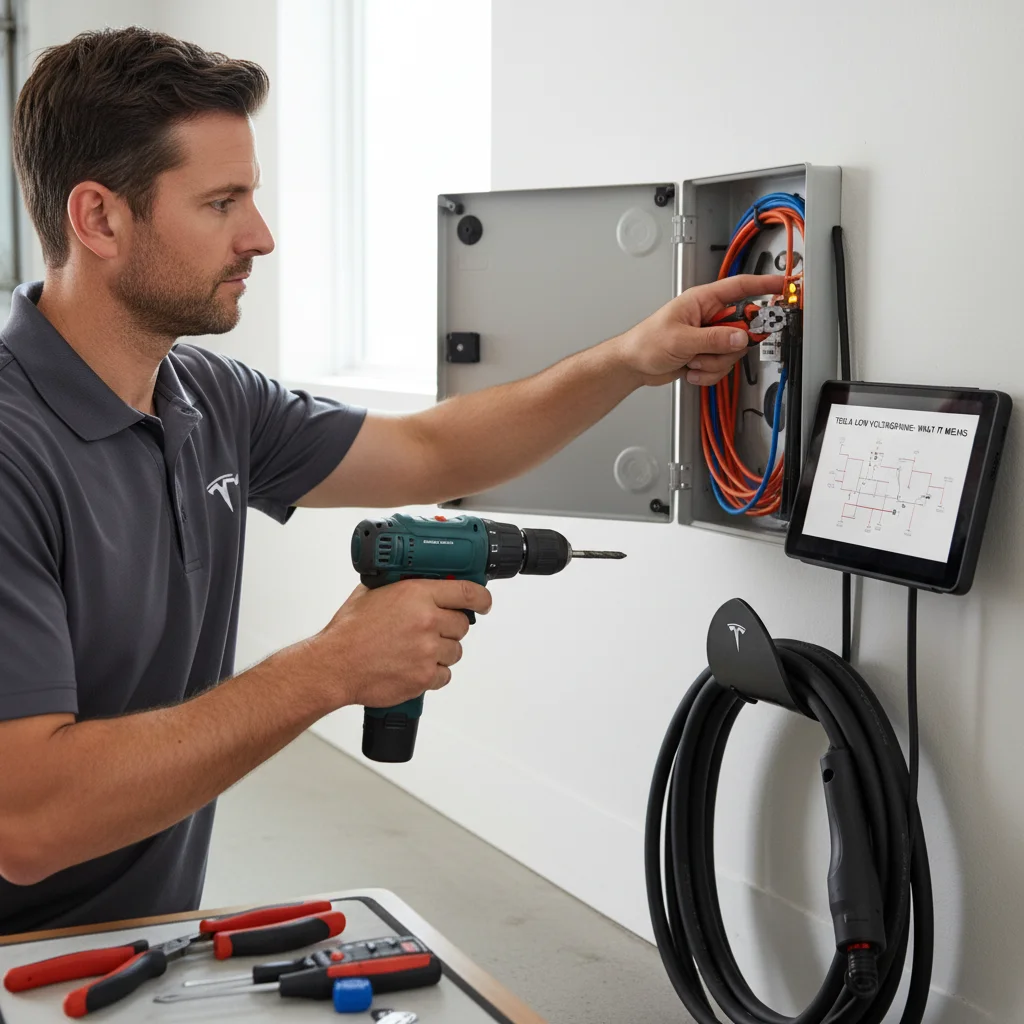
Clues the 12V is still falling
Earlier Tesla 12V warning signs can show up before this alert. Once you have the low voltage message, these mean the window is shrinking.
The touchscreen dims, lags, or reboots on its own. Climate controls stop responding. Drive or reverse hesitates to engage. You hear relay clicks from under the dash. Any of those means the 12V is below what the control systems need. Don’t assume you can finish the drive home. Don’t assume you’ll clear the I-15 grade toward Victorville. Pull out of traffic first.
Keep the car awake, then cut the load
Get out of live lanes before you debug the screen. On I-10 through Redlands, your first job is a safe shoulder or a lot. Same on the 91 through Corona, I-215 through Perris, or downtown Riverside streets. A Tesla that loses 12V doesn’t always lose motion in the same second. Control systems can drop while you’re still rolling.
Leave the car awake if you can. A Tesla with a dead 12V may not restart. Power down in the wrong place and you can be locked out. That sequence is covered in locked out of a dead Tesla. If you must stop, stay in park with the hazards on. Keep 12V loads as light as you can.
Turn off the cabin fan, heated seats, and anything you don’t need. If a charger is already next to you, plug in. A home Wall Connector, a destination cabinet, or a Supercharger can wake the converter. The Calimesa Tesla stalls are one inland Supercharger site. Use them when they’re working. That buys time. It doesn’t replace a 12V that has actually failed. Don’t drive around hunting a stall on a dying 12V.
If the screen is going dark, stop DIY. Stop if the car won’t go back into drive. The operators we connect you with jump or replace a dead 12V on site. They handle Tesla and every major EV brand. They quote you before they start and bill you directly. Tesla 12V battery jump is the service page for that visit.
When calling beats waiting it out
If you’re already stopped, quit poking settings. Call if the car won’t restart or the screen has gone dark. Forum threads won’t raise voltage.
Calling is the better move in a lot you can’t occupy overnight. Airport rows and warehouse lots are the usual ones. It’s also the better move when you have a shift you can’t miss. Call if the car locked and you can’t get back in. Call if you plugged in and the 12V still won’t recover.
Tesla’s own roadside channel can send help. Wait times aren’t a figure this site can verify. The person who arrives is often a contractor. If you want a local mobile operator instead, Charge Pro IE is a referral line. We match you with independent Inland Empire operators. We don’t own trucks, employ technicians, or set the price. The operator quotes you before work starts.
If the warning is on and you may not make the next mile
Don’t wait for a full shutdown on the 91. Don’t wait on the Cajon grade or a High Desert shoulder. Don’t wait it out on SR-60 either. The operators we send can jump the 12V on site. Then you drive to service for a replacement. Do that when the car will hold accessory voltage again.
Call (909) 250-2881 when you need that match. The operator bills you directly. Nobody here can promise when they arrive.