A Tesla charging problem can begin at the station, connector, charge port, or low-voltage system. The useful first step is separating a failed charging session from a car that can’t accept power.
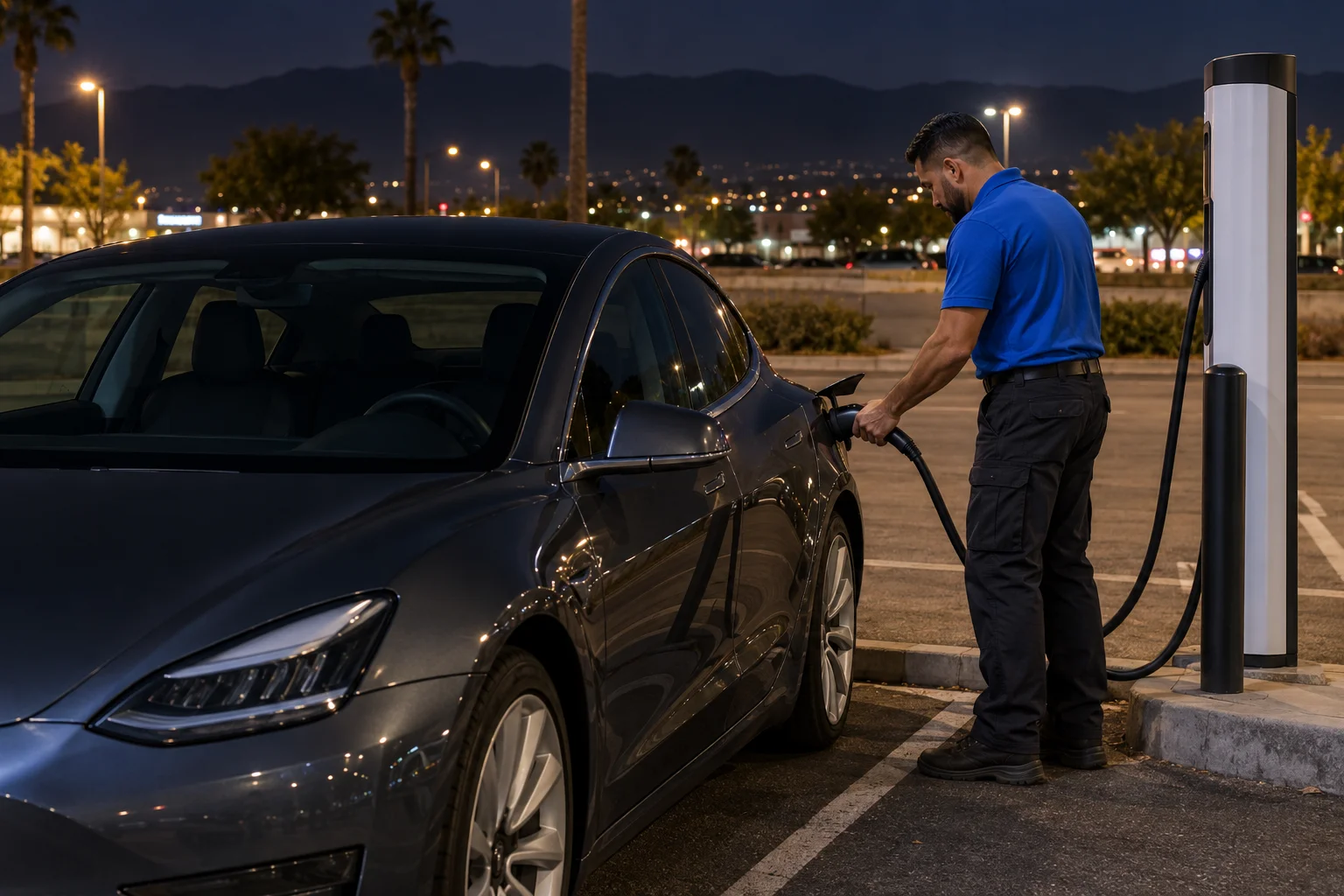
Separate a charger problem from a vehicle problem
Start with what you can observe. Is the Tesla awake and responsive? Does the charge-port door open normally? Does the connector seat fully? Does the car display a charging message after connection?
Those details help divide the problem into three broad groups:
- The station isn’t starting or maintaining the session.
- The connector, adapter, or charge port isn’t completing the connection.
- The vehicle isn’t responding normally, possibly because of low-voltage power.
A connected cable alone doesn’t prove that energy is flowing. Likewise, one failed station doesn’t prove the Tesla has a charging fault. Confirm the session status on the vehicle display and in the relevant charging app.
If the Tesla responds normally but one station won’t begin charging, check that station’s live status. Try another available connector at the same site if the app shows it can be used. A successful session elsewhere points back toward the first station or connector. It doesn’t identify the exact failed component.
If several unrelated stations produce the same result, the vehicle side deserves more attention. Record the message shown by the Tesla before disconnecting. Don’t replace its wording with your own diagnosis.
This distinction matters across the Inland Empire. A failed session in an Ontario parking lot leaves different options than a powerless car near the Cajon Pass. Our guide to a public EV charger that isn’t working covers the station side in more detail.
Check the app and vehicle messages first
Open the Tesla app and look at the vehicle screen before changing anything. Note whether the car recognizes the cable, reports that charging has started, or displays another message. Take a screenshot or photo if possible.
The exact wording matters. “Connected but not charging” describes an observation, not a diagnosis. The station may not have started the session. The connector may not be seated as expected. The car may also be applying a setting or reporting a condition that needs model-specific guidance.
Check the charging network’s app too. Confirm that the location and connector appear available. If the app reports a problem, don’t treat repeated attempts as proof that the car has failed. Move to another available connector or station when the car can still be driven safely.
Keep the tests simple and separate. Change one thing at a time. For example, try another connector before changing locations. If that fails, try a different station. This creates a clearer record than changing the station, adapter, and vehicle settings together.
A session that begins and then stops is a different symptom. Our guide to charging that stops at a random percentage explains how to document that pattern.
Don’t clear away useful evidence. Save the station name, connector identifier, time, app status, and vehicle message. A licensed operator or repair facility can make better decisions when the original information remains available.
When the port or connector may be involved
Focus on the port when the door won’t open, the connector won’t seat, or an adapter remains attached. These symptoms aren’t interchangeable.
Current Tesla Model 3 and Model Y manuals list several normal ways to open the charge-port door. Depending on the supported method, those paths include the touchscreen, Tesla cable button, authenticated physical press, app, key, or voice control. Tesla warns drivers not to force the door.
If the touchscreen and app work but the door doesn’t respond, follow the owner documentation for that exact model and build. Our Tesla charge-port door guide keeps that problem separate from a failed charging session.
A stuck public-charging adapter calls for another distinction. Tesla’s current instructions say to stop charging and unlock the vehicle first. Hold the public handle and adapter together, press the handle button, then remove both together. If the handle separates and leaves the adapter behind, the touchscreen can be used to unlock the charge port.
The manual release is a last resort. Its location varies by model, and Tesla says it must not be used while charging. Check the owner documentation attached to your vehicle rather than following a release location shown for another Tesla.
Don’t pull harder because a connector seems stuck. Stop charging, confirm the vehicle is unlocked, and follow the model-specific procedure. A door that won’t open, a plug that won’t release, and a session that won’t start require different next steps.
Why a weak low-voltage system can confuse the diagnosis
A Tesla’s low-voltage system supports functions needed to access and operate the car. When the screen, app response, locks, and charge-port door all become unresponsive, a low-voltage problem may be involved. That pattern isn’t a complete diagnosis by itself.
The difference is important. A Tesla with a responsive screen and a station error presents differently from a dark car that won’t unlock or open its charge-port door. The second situation shouldn’t automatically be labeled an empty main battery.
Current Model 3 and Model Y manuals also distinguish two sets of low-voltage connections. External terminals behind the tow-eye opening can release the hood latches. Tesla says those terminals don’t charge the low-voltage battery. The jump points used after opening the hood are separate, and their locations vary by model, build, and low-voltage system.
That variation is why generic jump diagrams can mislead. Use the current owner documentation for the exact car. Don’t assume Model 3, Model Y, Model S, and Model X share the same access or jump procedure.
A licensed operator can assess whether the situation calls for low-voltage help, added driving range, or transport. Charge Pro IE doesn’t diagnose or perform that work. We connect stranded drivers with independent local operators.
For a broader comparison of the symptoms, see our guide to telling a dead Tesla pack from a low-voltage problem.
What to try before moving to another station
First, preserve the message shown by the car or charging app. Then stop the session through the normal controls. Unlock the Tesla and disconnect using the method documented for your model.
Inspect only what can be seen without opening equipment. Look for a connector that isn’t fully seated, an adapter left in the port, or a charge-port door that isn’t moving normally. Don’t force the door or use a manual release while charging.
Next, check the station’s live status in the Tesla app or the network’s app. If another available connector is shown at the same location, trying it can help isolate the first connector. If the car begins charging there, the original station hardware or session remains the likely area to report.
If the second connector produces the same vehicle message, save that result. When the Tesla remains drivable, another station can provide one more comparison. Don’t spend the car’s remaining range circling between distant sites simply to repeat the same test.
This matters on Inland Empire routes such as I-10 and I-15. A driver near Ontario or San Bernardino may have nearby alternatives. A driver approaching the Cajon Pass should weigh remaining range before leaving a known location.
The public charger connected but not charging guide offers a focused station checklist. If the Tesla is dark or won’t release the port, stop treating the situation as a routine station test. The next step may involve low-voltage access or roadside transport.
When mobile charging or a tow makes sense
Mobile charging makes sense when the car can accept a charge but lacks enough energy to reach a working station. The approved rescue-charge range for this service type is 10 to 20 miles in 15 to 30 minutes of Level 2 charging. That describes charging time, not operator arrival.
The U.S. Department of Energy provides general information about electric vehicles and charging. Its Alternative Fuels Data Center states that Level 2 equipment can add approximately 25 miles of range per charging hour. Actual results depend on the vehicle and charging conditions.
A tow makes more sense when added energy won’t solve the problem. Examples include a Tesla that won’t accept power, a connector that can’t be released through the documented procedure, or a vehicle message that calls for service. The tow destination should match the problem rather than simply being the nearest charger.
The choice also depends on location. Mobile energy may be useful for a responsive Tesla in a safe Ontario parking area. A disabled vehicle blocking traffic requires a different response. If you’re still in a traffic lane, call 911.
Charge Pro IE offers referrals for mobile EV charging and Tesla roadside rescue. The licensed independent operator handles the physical work, gives the quote, and bills the driver directly. Charge Pro IE doesn’t set the price or promise an arrival time.
When to call us
Call when the Tesla can’t reach another station, the low-voltage system may need roadside attention, or charging tests haven’t restored a usable session. We’ll help connect you with a licensed independent operator who can assess mobile charging or towing.
Call us at (909) 250-2881 and we’ll connect you with a local EV rescue operator.