The brake goes down. Nothing happens. A Tesla that won’t start after inland heat is usually one of seven things. Warehouse shifts and grades write the same script. Work this list before you call for help.
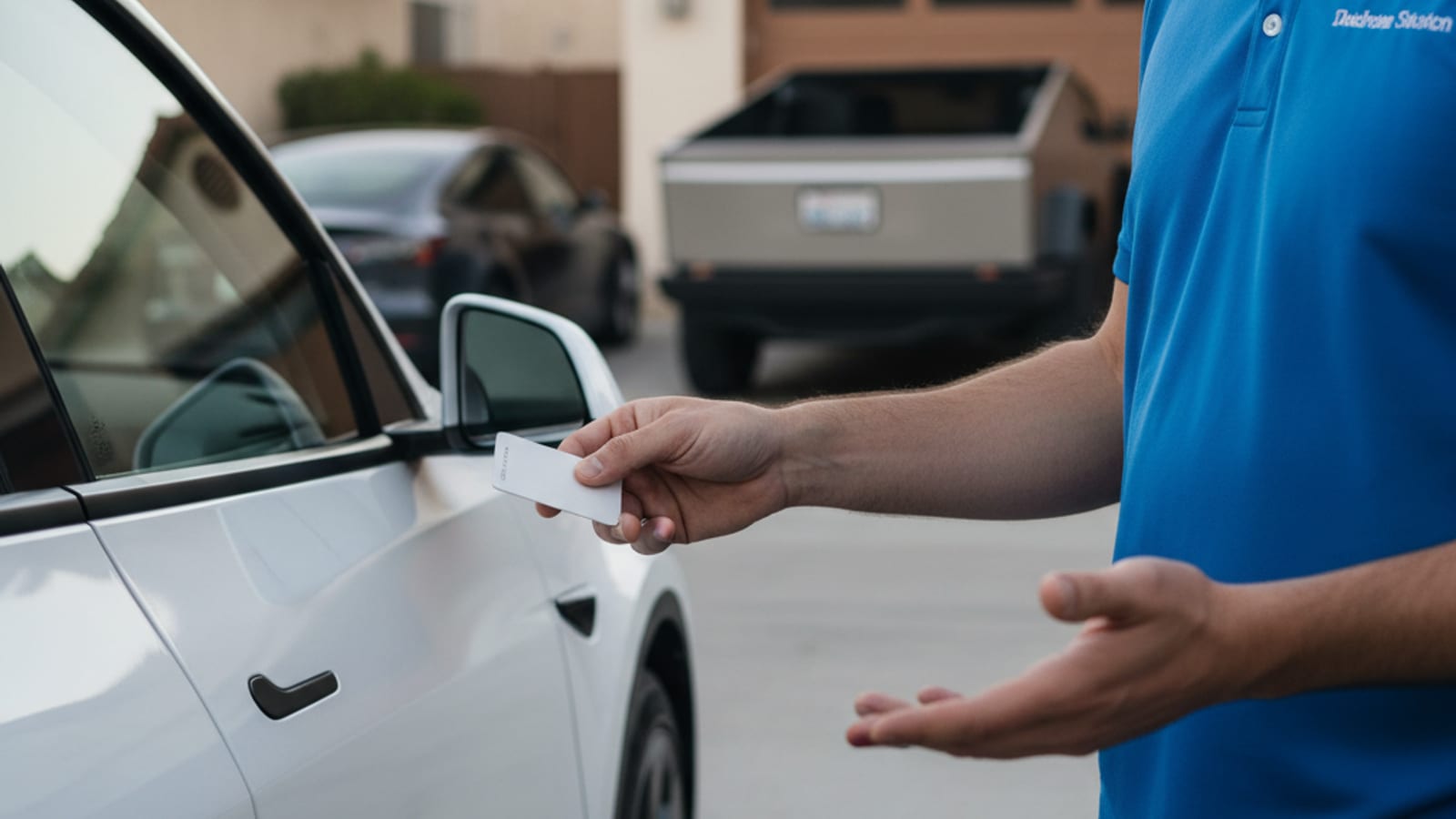
Don’t treat every dark Tesla as the same failure. Flush handles and a black screen point at the 12-volt. A live screen that says plug in points at the traction pack. A keypad or a valet lock is a setting, not a dead motor. Sort those three before you start guessing.
Read the checks once. Then run them in this order.
The pack went empty in the heat
Valley heat eats range while the car sits. Sentry Mode on a warehouse camera row eats more. So does a climb you didn’t budget for. I-15 toward Victorville spends energy you thought you still had. So do I-10 through Redlands, the rise into Yucaipa, and the Ortega near Wildomar. High Desert miles past Hesperia and Adelanto add the same surprise after Cajon.
You can leave a Tesla at a low percent after a Fontana or Ontario shift. You come back to a car that wakes but won’t drive. The pack isn’t at true zero. The software stops you first.
You’re in this check when the cabin screen turns on. It shows “Unable to drive, plug in vehicle.” Range is zero or dashed out.
Plug in if a cord is actually in reach. A household outlet and a Level 2 pedestal both count. Tesla holds a reserve, so some charge can restore limited driving. This page can’t publish a verified wait. Watch the car, not a guess.
If you’re on a shoulder or in a gated lot with no cord you can use, stop walking the rows. That’s a mobile Level 2 visit. The operators Charge Pro IE connects you with bring a 240-volt source to the car. Tesla takes a native NACS plug. They typically add 10 to 20 miles of range in 15 to 30 minutes of charging. That window is charging time. It’s not an arrival time.
Tell pack from 12-volt with this dead-pack versus 12V guide. Heat and grades need their own habits. See EV battery care in Inland Empire heat.
Some owners think the Tesla won’t start after it sat on the cord all night. In Riverside the power is Riverside Public Utilities, not Southern California Edison. Colton runs the City of Colton Electric Utility. Banning has its own municipal utility. Rancho Cucamonga and Moreno Valley are split between SCE and a city utility. Big Bear Lake and Big Bear City sit on Bear Valley Electric Service. If the house never fed the car, you’ve got an empty pack, not a failed drive unit. ACS 2019-2023 puts pre-1980 housing at 60.9% in San Bernardino and 50.7% in Ontario. An overnight charge that never happened still looks like a no-start.
The 12-volt quit in the sun
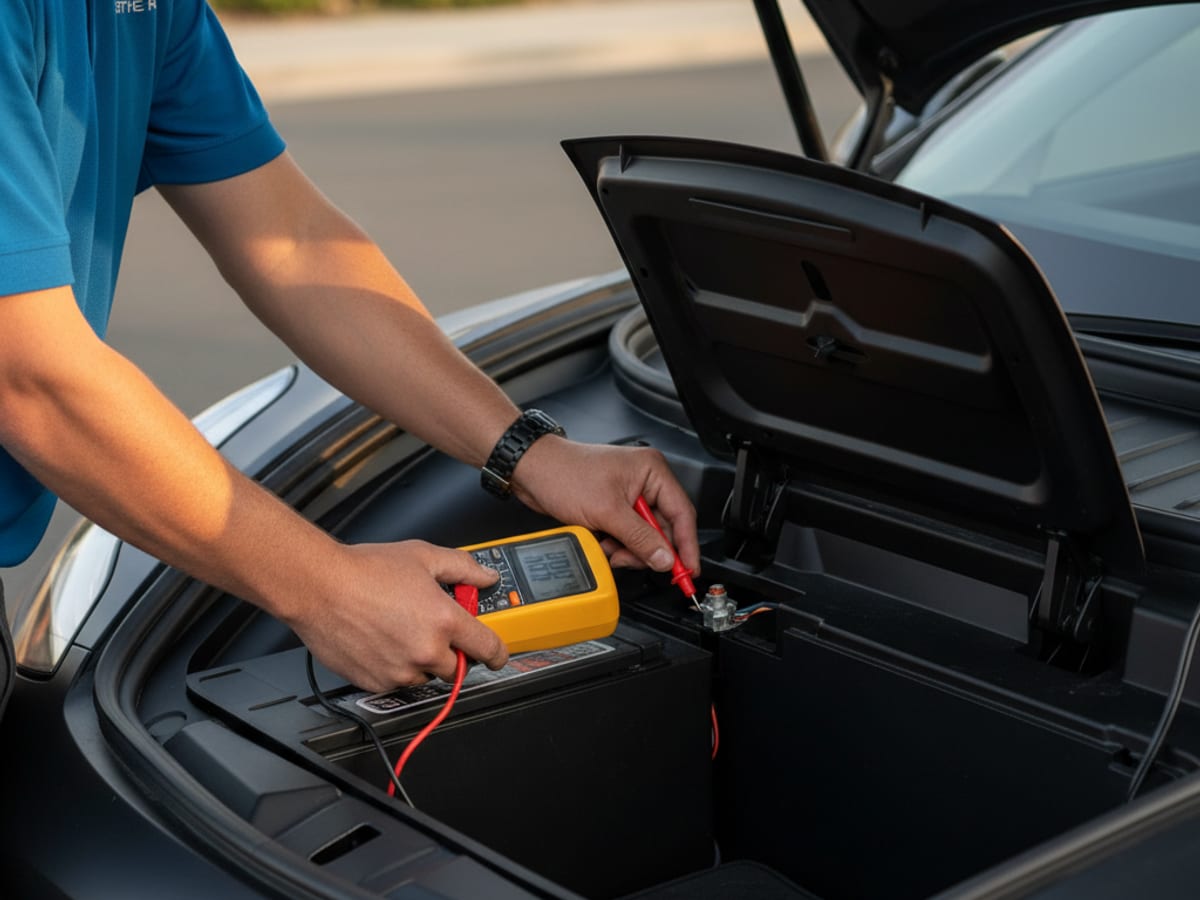
This is the brick that looks fully dead. Handles stay flush. The screen is black. The Tesla app says the vehicle is offline. Turn signals stay dark. The frunk ignores the app.
The big pack can still hold miles. Computers, latches, and lights run on the 12-volt. Inland lots cook that small battery. A Fontana warehouse stall and the rows around Ontario International Airport are long, hot sits. Clock-out is when the brick shows up. The same pattern hits a Moreno Valley or Perris yard that baked all day.
Jump from Tesla’s posts, not from random metal. Model 3 and Model Y use the tow-eye terminals. Older Model S and Model X use the front fascia posts. Follow the Model 3, Y, S, and X jump steps.
If it wakes and holds, drive and charge. Home Level 2 or a Supercharger lets the DC-DC converter refill the 12-volt the right way. If it dies again soon after a jump, the 12-volt is finished. Independent operators in this network can jump or replace it on site. They quote before they start. They bill you directly. Charge Pro IE refers. It doesn’t roll trucks.
Ontario airport lots and warehouse rows see this no-start after a long parked shift.
You never actually unplugged
A Tesla won’t roll with a cable latched in the port. That’s the interlock, not a breakdown. The message is usually “unplug to drive.” The port light may still be on. The connector is still in the hole.
Press the release on the handle first. That’s true for a Mobile Connector, a Wall Connector, and a Supercharger. If the car-side latch stays shut, Model 3 and Model Y hide a manual release in the trunk. Look behind a small passenger-side trim panel. Model S and Model X put it in the taillight compartment.
Don’t yank the cable. Walk the stuck charge-port release if the latch won’t move. Older garages in Ontario and San Bernardino can hide a Wall Connector. Check the port before you assume the pack died.
Software stopped in the middle
Updates install while you’re parked. A low pack plus a long update can freeze the car between versions. You may see a progress bar that hasn’t moved. You may see an update error.
Hold both scroll wheels on the steering wheel for about ten seconds. Wait through the black screen. If nothing returns, hold the brake and both wheels together for a longer reset.
Then leave it alone for a bit. Don’t open kick panels. Don’t pull fuses. Don’t disconnect the 12-volt to force a recovery. You can damage a module that would’ve come back. A true recovery flash is Tesla service. It isn’t a mobile charge.
PIN to Drive is blocking you
Awake car. Working screen. Live shifter. A four-digit keypad. That’s PIN to Drive, not a failed inverter.
Type the PIN. If it’s gone from your head, reset it in the Tesla app while you’re signed in. Go to Settings, then Safety, then Security, then PIN to Drive. The Tesla website account has the same path. If you’re locked out of the account too, that’s Tesla service with proof of ownership.
Referral operators can’t bypass it. Tesla built it that way on purpose.
Valet mode is still engaged
This one fools people because the car does start. It just won’t act like your car. Speed is capped at 70 mph. The frunk stays locked. The glovebox stays locked. The home address is hidden.
Someone turned Valet on. A spouse. A lot attendant. You, last week. Then everyone forgot.
Tap the driver profile icon. Open Valet. Enter the PIN you chose. The last four of a phone number is a common choice. Try that before you assume the car is broken.
The parking brake is holding the car
After a long sit, the electronic parking brake may not release. That can happen when you press the brake and select Drive. The screen shows a red brake warning. You might hear a click. The Tesla still won’t roll.
Put it in Park. On Model 3 and Model Y, press and hold the button on the end of the right stalk for several seconds. That toggles the parking brake by hand. Refreshed Model S and Model X with no stalks use Controls, then Safety, then Parking Brake. Try Drive again.
If it still holds, pads can stick to rotors after days in a lot. Dusty Fontana warehouse rows and mountain cold above Lake Arrowhead or Big Bear Lake are both long sits. A short roll after a manual release often breaks them free. If they won’t free, stop. That’s a shop or tow question, not a charge.
After the seven checks
Stop if you’ve got a dead 12-volt and no jump pack. Stop if the car wakes, then dies again. Stop if you see smoke, smell burning, or get an orange high-voltage warning. Stop if the pack is empty and you can’t plug in where you sit.
Charge Pro IE is a referral line for the Inland Empire. It matches stranded Tesla drivers with independent local mobile rescue operators. It holds no license and owns no equipment. The operators handle Tesla and every major EV brand. They jump or replace a 12-volt on site. They bring 240-volt Level 2 charging to the car. They quote before they start and bill you directly.
Call (909) 250-2881 when the checks are finished and the car still won’t move. The Tesla roadside rescue page covers the service. Use Tesla 12V battery jump if the little battery is the whole problem.